$ ./saltamar --version
Saltamar
v1.0.2, Windows, free
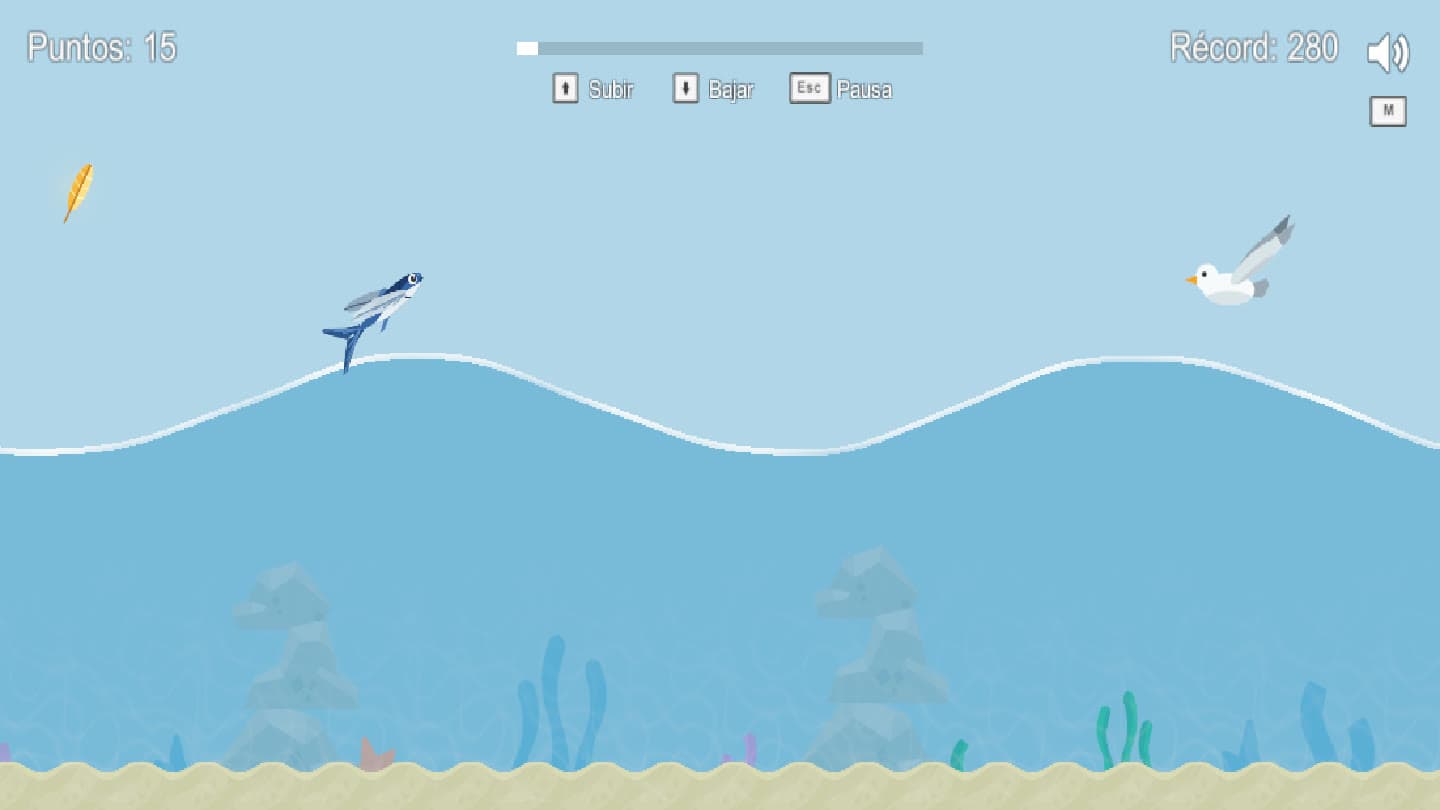
A flying fish between the water and the air, across five levels from a calm sea to the storm. It plays with two buttons, on a controller or a keyboard, and offline too.
Saltamar-Setup-1.0.2.exe, 25 MB, 16 November 2026SHA-256 b4abc6b335b09aeee3430f1617ad617a7a2e9f0b5abb767a3110a23b5d939c24
01 / play
Download and install
First time
- Open Saltamar-Setup: it installs itself, with no questions, and starts the game.
- If Windows shows "Windows protected your PC", click "More info" and then "Run anyway". The game has no paid signature.
- After that, open it from the Start menu or the desktop shortcut. To remove it: Settings > Apps.
Requirements
- system
- 64-bit Windows 10 or 11
- controls
- Xbox controller or keyboard and mouse
- internet
- Optional: leaderboard and cloud saves
- languages
- Español, English, Deutsch, Français, Italiano, Português
Controls
- up
- A, up arrow or left click
- down
- X, down arrow or right click
- pause
- Menu or Esc
- mute
- RB or M
02 / what's new
Versions
[ok] v1.0.2,
Saltamar tiene icono propio, el pez volador saltando del mar, en el juego, la barra de tareas, los accesos directos y el instalador. Arranca directo en el menú, sin la pantalla de Unity, y no se puede abrir dos veces a la vez. El progreso y los ajustes se guardan ahora a nombre de Oswaldo Leon en lugar de un nombre genérico: quien jugó la 1.0.0 o la 1.0.1 empieza de nuevo.
(release notes in Spanish)
All versions03 / privacy
What the game sends
When online, the game saves your progress and best scores in PlayFab, by Microsoft, with a random code from your computer: no account, no name and no email. When the menu opens it checks for a new version. The details are in the privacy policy.